Semantic Breaks
Semantic breaks (abbreviated SemBr) are a way of making editor-facing text more readable by breaking text into lines.
It is intended to be used in contexts where markup line breaks are not shown in display output, such as Markdown,
The SemBr variant I use in My style guide ignores the recommendation of limiting line length to 80 columns, since we have wrapping to deal with that. This means that non-rendered line breaks have a purely semantic meaning, allowing easier parsing of text while editing.
In my PKM, documents that follow this convention receive the sembr tag.
SemBr 101
- Always follow sentences with a line break.
- In general break independent clauses, and dependent clauses where it makes sense.
- SemBr can also be useful for splitting multilingual writing — Obsidian’s spell checker will recognise a change in language if it takes place on a new line.
Using in Obsidian
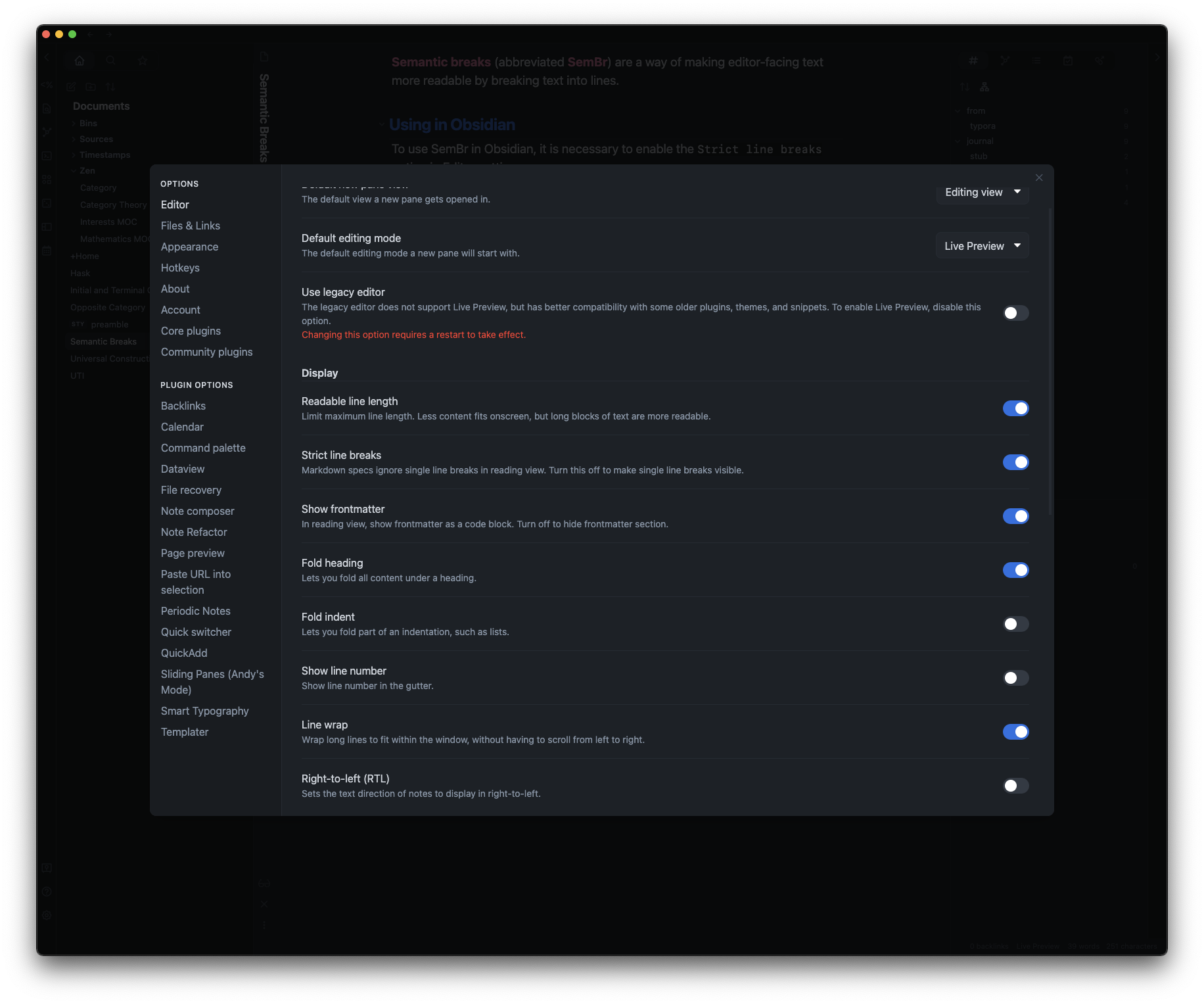
To use SemBr in Obsidian, it is necessary to enable the Strict line breaks option in Editor settings.